Bring in the live feed
Connect a supported astronomy camera and keep the live image in view while you work.


A real-time video lab for curious skies
CamLab turns a live astronomy-camera feed into your own real-time image-processing lab. Connect a supported SVBONY or ZWO camera, assemble a chain of image tools, and see your changes as they happen.
A hands-on Windows desktop app from Silicon Droid.
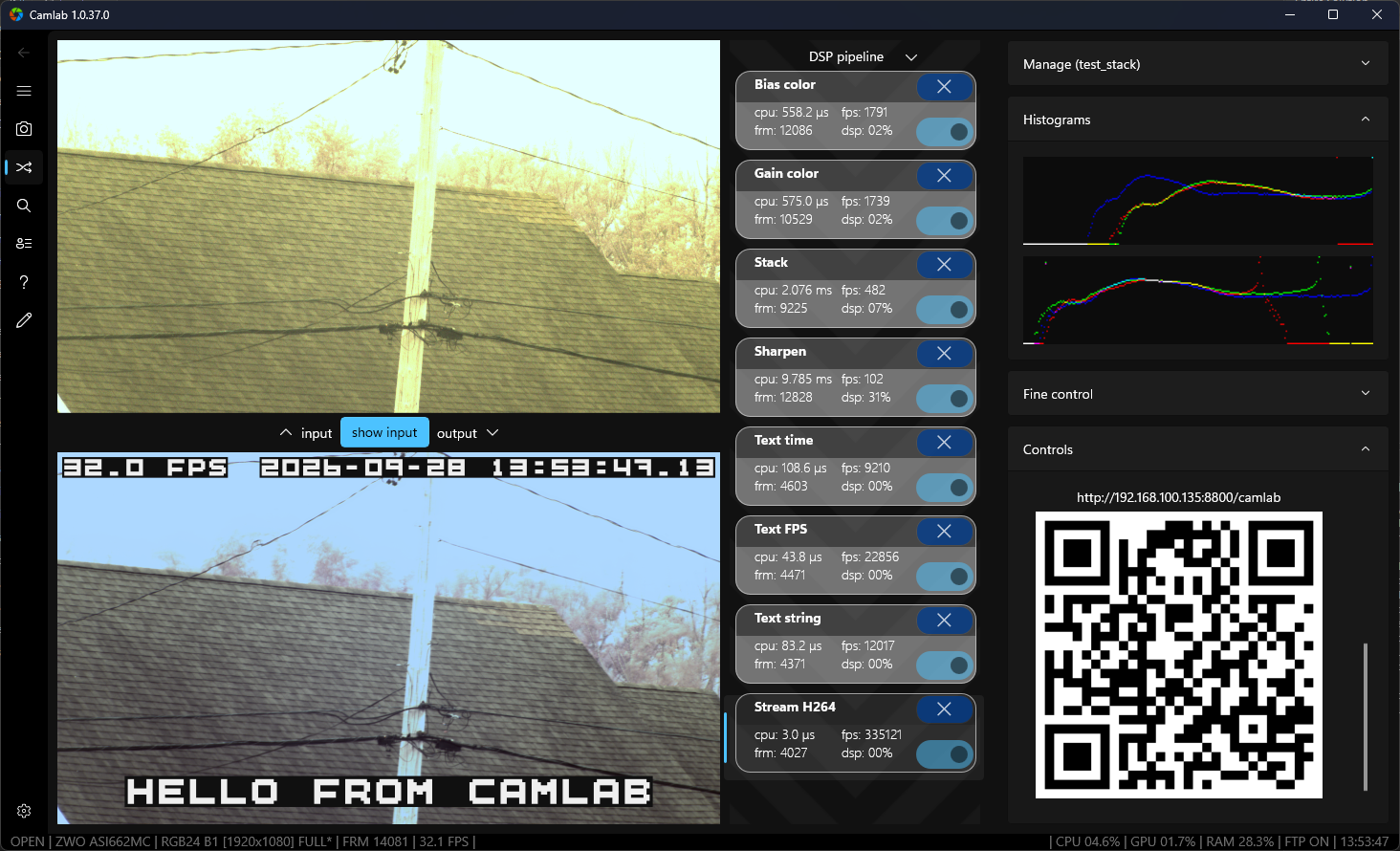
Made for popular astronomy cameras


Choose a model available to your system's camera drivers.
A little more control, one block at a time
Instead of settling for a fixed filter, connect small, focused DSP blocks into a pipeline you can shape for the scene in front of you.
Connect a supported astronomy camera and keep the live image in view while you work.
Add, tune, and reorder blocks such as Median, Stack, and Sharpen. Each stage is easy to switch on or refine.
Capture snapshots, schedule photos or video, or stream the processed view to a browser using H.264 or MJPEG.
The difference is in the details
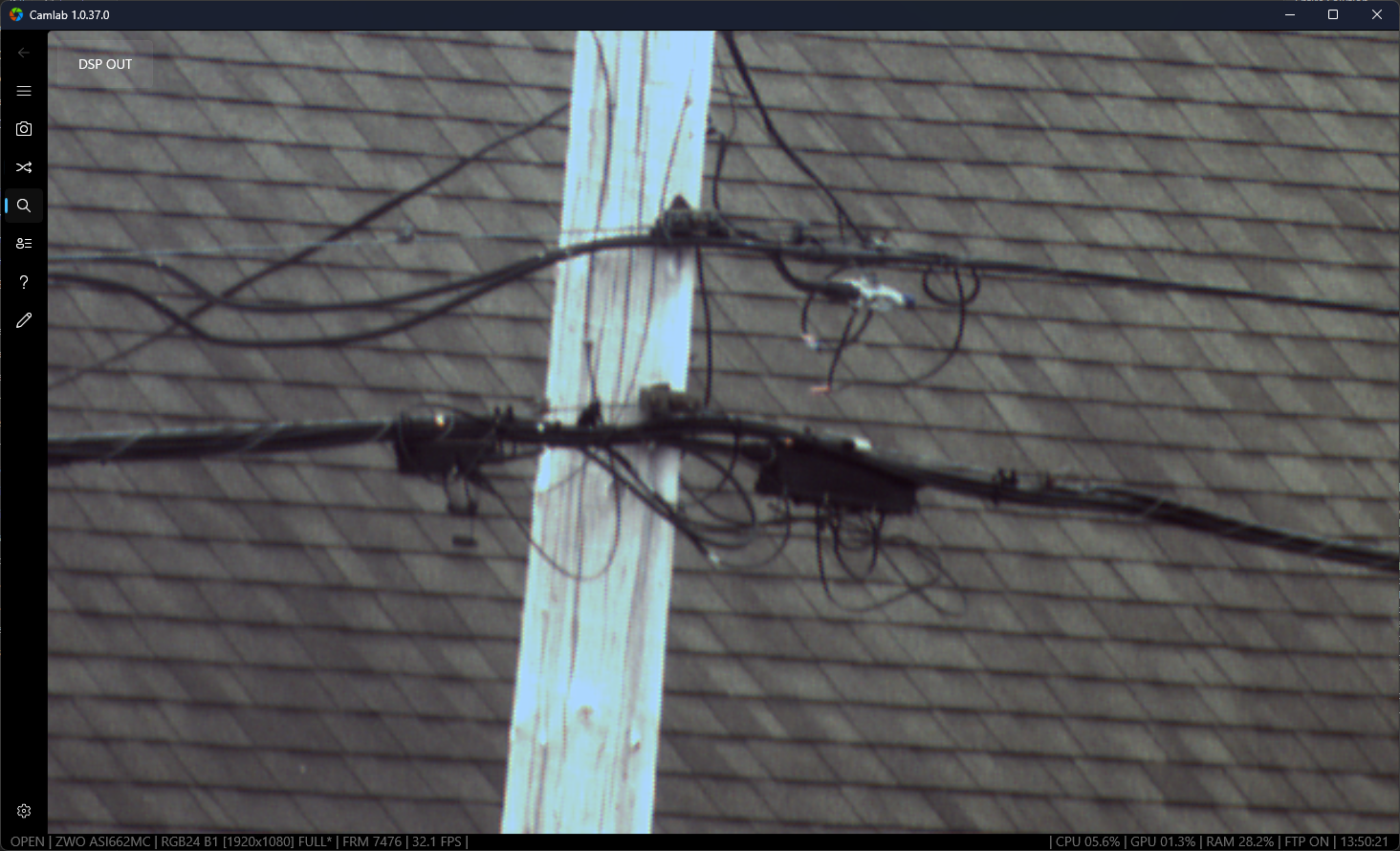
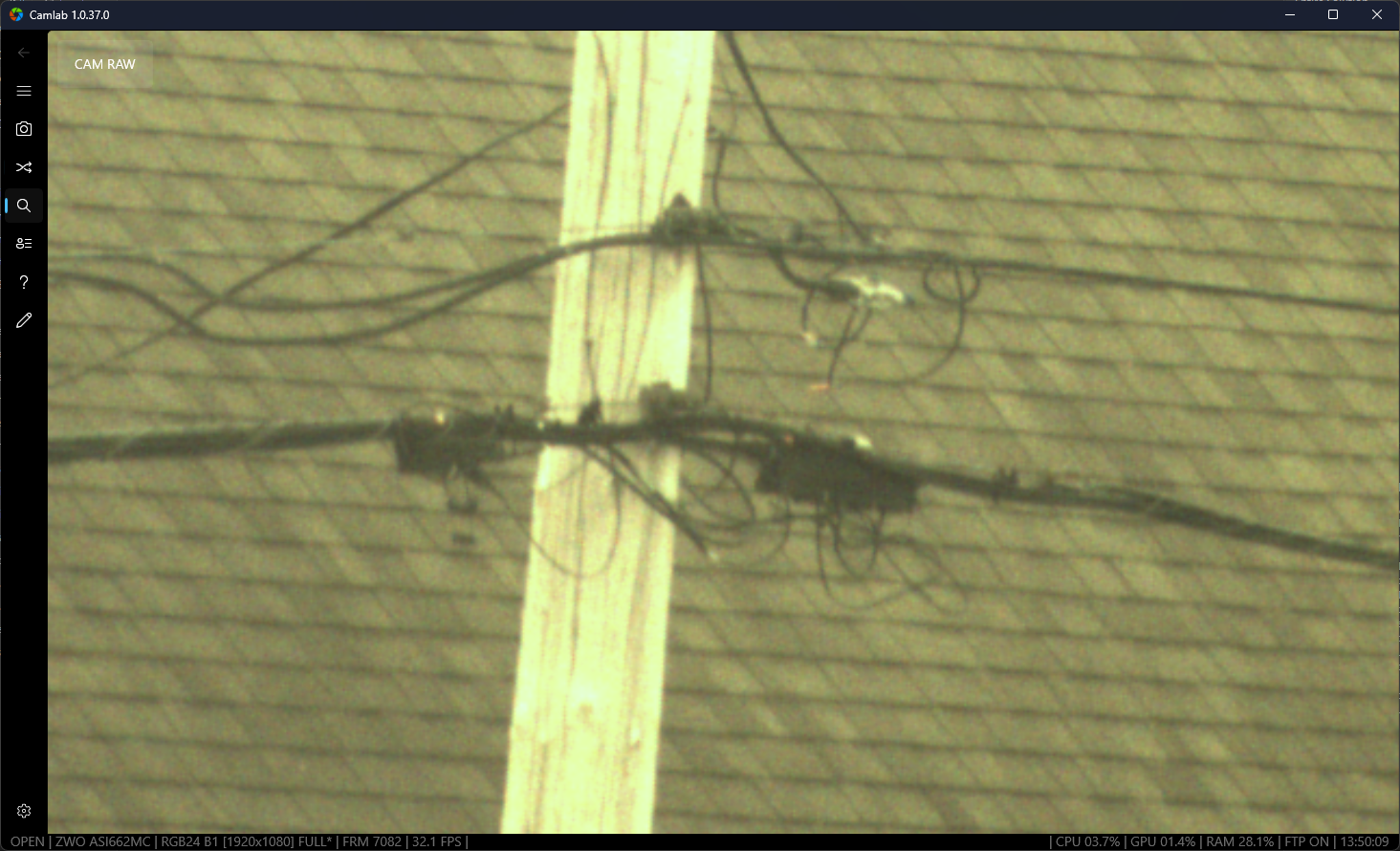
Drag the divider to compare the camera's raw view with the output from a live CamLab processing chain.
Drag, swipe, or use the arrow keys
A toolkit for the live image
CamLab's building blocks make it easy to try practical workflows for observing, focusing, recording, and sharing.
Use Median to tame hot pixels, subtract a captured dark frame, and adjust gain, bias, gamma, or color.
Average multiple frames to reduce noise, then sharpen to bring edge detail back into view.
32-frame example: about 5.7× noise reductionUse focus and sharpness aids to help pick clearer frames, or track motion with an alert when something changes.
Save snapshots, timed photos, and clips. Add a timestamp or stream the processed view to another screen.
Inside CamLab
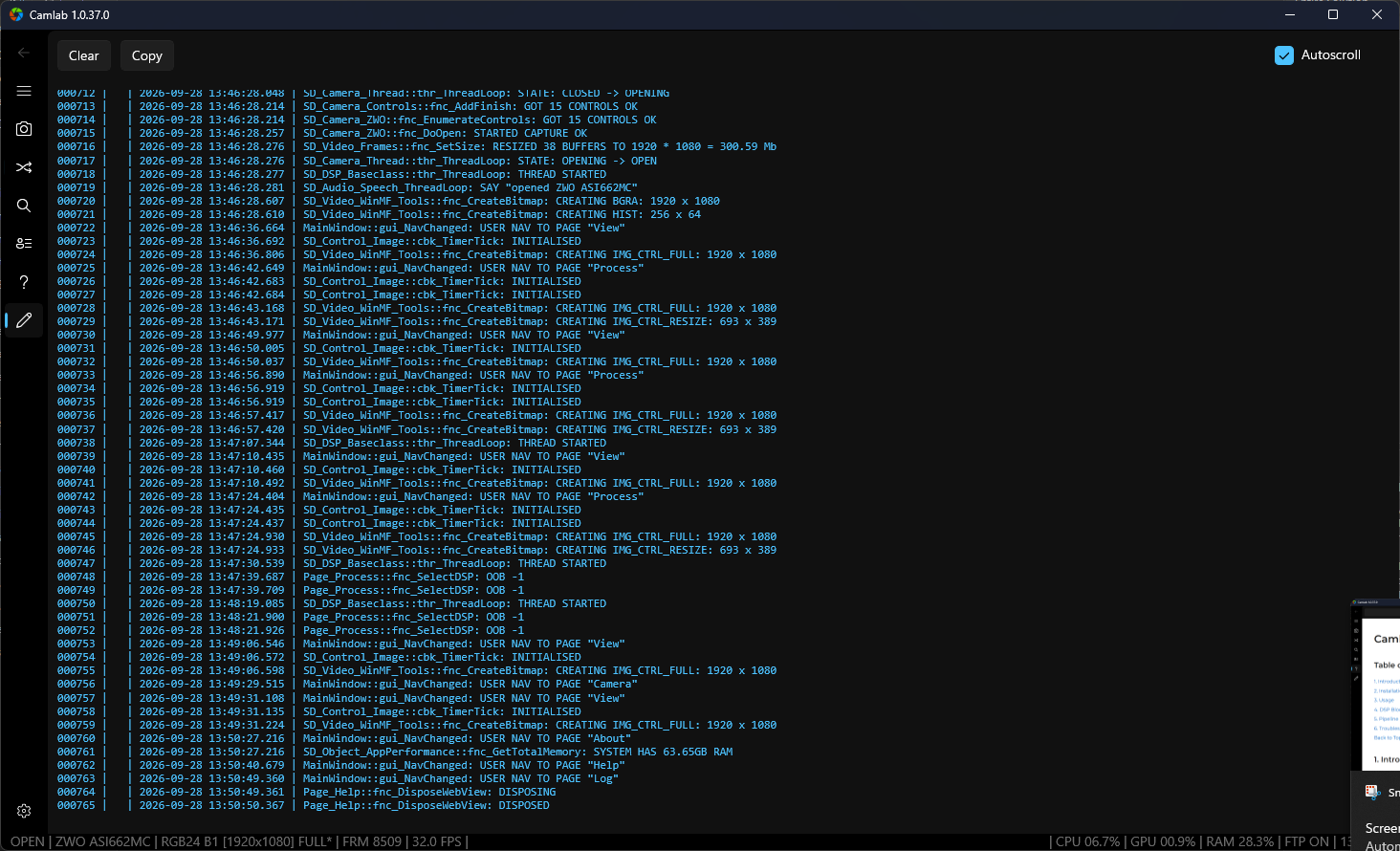
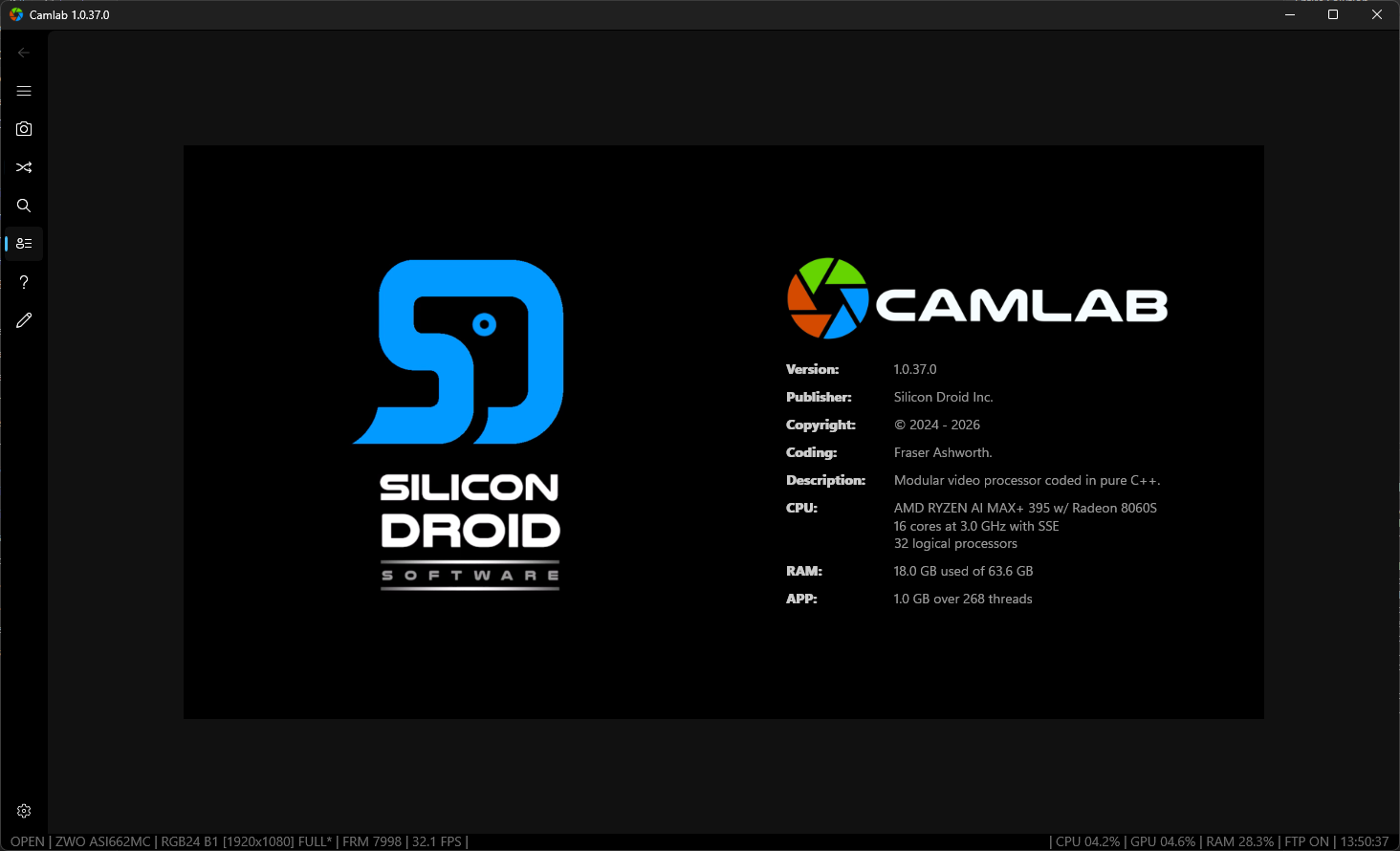
Curiosity is the best starting point
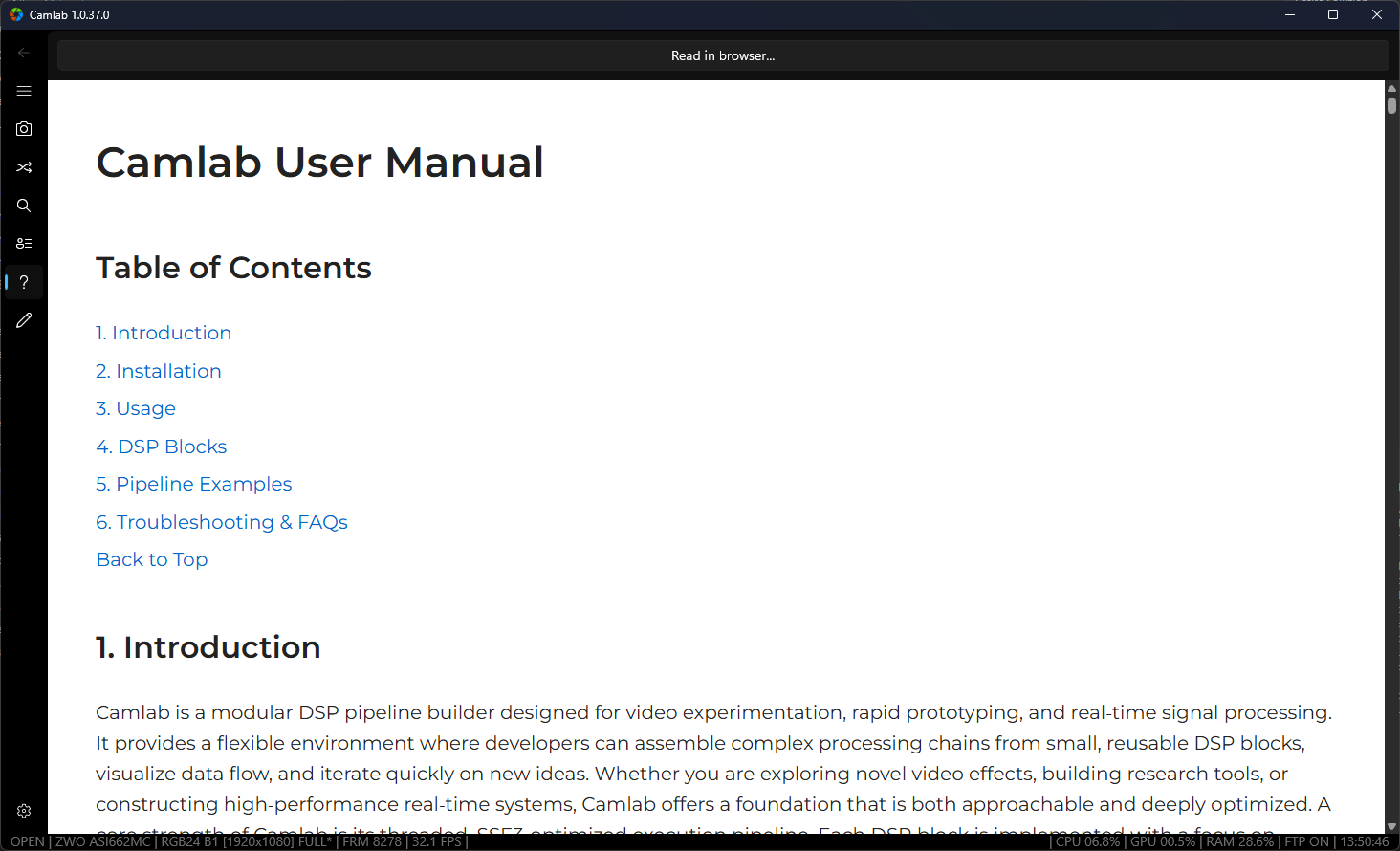
Explore the manual for installation guidance, DSP block references, ready-to-try pipeline recipes, and troubleshooting tips.